

One of the most powerful tools to appear in local search results and Google Maps in Dubai is a fully optimized Google Business Profile.
Imagine a person who gets stuck in the middle of the road, looking for a restaurant, searches for your type of business on Google. The first thing they will be able to view will not be your website. It is your Google Business Profile. If this is incomplete, unverified, or poorly optimized, you will be invisible to customers who are ready to take your service.
The question is how to optimize a Google Business Profile step by step. There are local SEO services Dubai that are helping businesses to appear on the search.
What is Google Business Profile and Why Does it Matter?
Find out: How Google Algorithm Works In 2026
Before we move to getting the answer to the above-raised question, it is important to understand what is meant by Google Business Profile.
Google Business Profile (GBP), often known as Google My Business, is a free tool allowing your business to manage and appear in Google Search and Google Maps. It is a profile that shows your business name, contact number, and reviews, with other information for someone who is finding your services locally.
For businesses with physical locations and service areas, local SEO services Dubai are available that help businesses to expand their reach through generative engine optimization GEO. This serves as the foundation of local search visibility. And if your business is not appearing in local search results, an incomplete or unoptimized GBP is the reason.
How to Optimize Google Business Profile
Now that you know why Google Business Profile matters, the next step is to set it up the right way. Small details can make a big difference in local search visibility, customer trust, and engagement. The following steps will help you improve your profile and make it work for you.
Step#1: Claim and verify your business
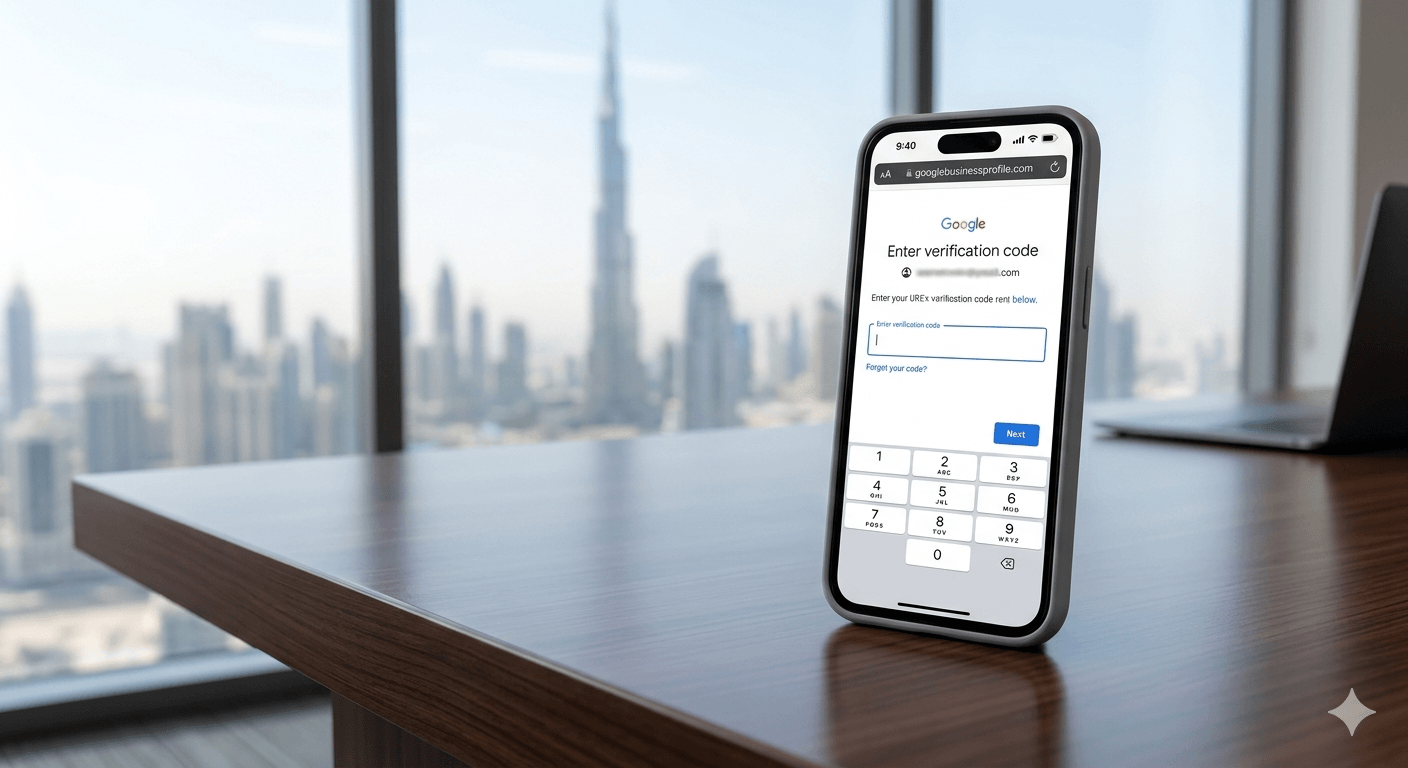
Before you proceed with optimizing your business, it is essential that you claim and verify your GBP. For this, log in to business.google.com and search for your business and claim it. If this does not appear, create a new listing. Google will send you a notification with a verification code.
Verification is important as an unverified profile cannot rank in the local search, no matter how well everything is optimized.
Step#2: Choose a business category
Your primary category is the most important GBP ranking element. It helps Google know the type of your business and determines which search queries you appear for. Choose the most specific category that accurately describes your core business and not the broadest one.
Google gives you the chance to add max 9 categories to your business niche. This will help you to capture additional relevant searches. For instance, a restaurant might use cafe or other relevant terms as the primary keyword.

Step#3: Draft a keyword-rich business description
The GBP description must be 750 characters and is the prime real estate for communicating your business niche and signaling relevance to Google. Make sure that you write this in a natural and compelling manner, including the primary keywords, your location, and the services you offer. This is what makes you different from others. But ensure you do not stuff keywords. Write the content first and then add important keywords naturally.
Worth Reading: How To Get Traffic With Zero Click Search
Step#4: Add keywords to the Google Business Profile
Learning to add keywords to the GBP is another common question, especially in the era of generative engine optimization GEO. Unlike traditional SEO, GBP does not have a dedicated keyword field. Make sure the keywords are added naturally. The places where you can add them include:
- The business description
- Service names and descriptions
- GBP posts
- Responses to reviews
- Q&A answers
- Photo file names and captions.
Step#5: List down services with descriptions
All the services you offer must be mentioned in your GBP with the description name and a 300-character description. This is one of the most overlooked optimization opportunities. Remember, each of the services listed is an additional relevance signal that helps Google match you to specific search queries.
For instance, running a restaurant service, instead of just listing the restaurant service, you should list down catering service or other relevant services. Make sure that each of them has its own keyword-rich description. The local SEO services Dubai are always ready to serve you when you get stuck. Make sure you contact them when needed.
Step#6: Add high-quality photos consistently
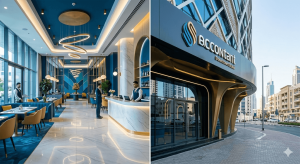
According to Google’s Business Profile guidance/community bulletin, profiles with photos can receive 42% more direction requests and 35% more website clicks. Therefore, you should upload a minimum of 20 high-quality images. These include some exterior photos that will help your customer find your location, and interior ones to show your environment for building trust.
Additionally, upload some team photos, your product and services images, and before and after photos that will highlight your effectiveness for business. Make sure that you upload new photos regularly, as Google’s algorithm considers photo recency as an engagement signal.
Step#7: Set up and manage service areas
Now, we know that you might need an answer to the number of service areas that must be added to the Google Business Profile. The answer is a minimum of 20 will work. This is important for service-based businesses that travel to customers.
And for Dubai businesses, adding the specific emirates, cities, and neighborhoods you serve will work. This increases your relevance for searches in those locations.
Step#8: Build and manage reviews actively
Whitespark’s Local Search Ranking Factors report states that reviews signals lead the pack, and that glowing Google reviews drive both conversions and rankings. Those businesses with recent and high-rating reviews beat the competitors with fewer or older reviews. Make this your practice:
- After every customer interaction, ensure that you send them a link to your GBP review page through WhatsApp, email, or SMS.
- Ask them to review and explain to them how their words can help your business to grow.
- After the review is added, make sure that you respond to them within 24 hours.
- When you are responding to positive reviews, naturally mention your service and location.
- Even address negative reviews professionally, and offer to resolve the issue offline.
Step#9: Get into the habit of posting regularly on GBP
GBP posts are short, similar to social media posts. They appear on your profile, signaling Google that your business is active and engaged. This gives you additional opportunities to include keywords.
If not regularly, you should post at a minimum once per week. Effective posts can be talking about promotions, offers, new services, or some BTS of the new product. Each post can include a call-to-action button that will link the reader to your website.
Step#10: Add a Q/A section
The question and answer section of GBP is the most visible part and is completely in your control. You can add questions yourself and answer them. Add at least 5 to 10 FAQs that cover the pricing, the services, the location, and the qualifications of your team. Make sure that you add keywords naturally in both the questions and answers.
Step#11: Enable messaging and booking
Activate the GBP messaging feature so customers can contact you directly through Google Search and Maps. Businesses that enable the messaging feature receive higher engagement compared with those that don’t. Make sure that you respond to the messages within 24 hours to maintain your messaging status.
If your business is one that offers appointments or bookings, connect a booking system to your GBP so customers can book directly from your profile without visiting your website.
Worth Reading: Future Of AI Search Engines
Conclusion
A well-optimized Google Business Profile can make a big difference for UAE companies trying to stand out in local search and on Google Maps. By keeping your profile complete, active, and customer-focused, you make it easier for people to find, trust, and contact your business. Small updates, regular reviews, and fresh content can help turn your GBP into a strong source of local leads. And getting the local SEO services Dubai in the loop makes your profile stronger than your competitors.